How Your Exchange Keys Are Protected
How Pilotbot stores your exchange API keys — encrypted, never exposed, and unable to withdraw funds — so automation stays safe.
Pilotbot Team
Author
On this page
- No-Withdrawal Architecture: Physical Isolation of Capital
- Military-Grade Encryption Standard: AES-256 and Isolated Runtime
- The Iron Fence: Access Restriction by Static IP Addresses
- Security Center in the Pilotbot Interface
- HTX Specifics: Keyless Automation via a Secure Extension
- Sign-In Defense: When Key Security Starts with Your Account
- Checklist: 4 Rules of Safe Automation
- Related Guides

Trust in P2P trading is measured not by promises, but by cryptographic guarantees and architectural constraints. When passing API keys to an external service, every professional arbitrageur asks one fundamental question: “Can this system under any circumstances steal or lose my trading capital?”
The short answer: no, it physically cannot.
Pilotbot's security architecture is engineered around the Zero-Trust model. The platform is designed from the ground up so that the software has no theoretical possibility of withdrawing a single cent from your exchange balance.
No-Withdrawal Architecture: Physical Isolation of Capital
The most reliable way to protect capital is to make withdrawal operations technically impossible at the exchange protocol level.
When you create API keys on Binance, Bybit, or OKX, the exchange divides permissions into independent scopes:
- Market & Balance Reading (Read) — required to monitor the order book and order statuses.
- Order Management (Trade / P2P) — needed to automatically reprice ads and adjust spreads.
- Fund Withdrawals (Withdrawal / Transfer) — forbidden for Pilotbot.
Pilotbot requests strictly read and edit permissions for your trading ads. Even if a hypothetical attacker obtained full control over the control server or the bot runtime, the exchange would reject any withdrawal request with a 403 Forbidden: Insufficient API Key Permissions error.
Your money never leaves your exchange account for a single second. Pilotbot manages only the pricing math in the order book, never physical assets.
Military-Grade Encryption Standard: AES-256 and Isolated Runtime
Key storage security is built on the same protocols used by leading financial institutions and crypto exchanges:
- Data Encryption at Rest. In Pilotbot's database, your API Key and Secret Key are never stored in plaintext. They are encrypted using AES-256-GCM with unique initialization vectors. Without the master decryption key, a database dump is merely a useless array of random bytes.
- In-Flight Memory Isolation. Keys are decrypted exclusively in the isolated memory of the pricing worker microservice at the exact moment of communicating with the exchange gateway.
- Absence from Client Code. Secret keys are never transmitted to the user's browser, never exposed in the web interface, never printed in support logs, and remain hidden from platform staff.
The Iron Fence: Access Restriction by Static IP Addresses
To eliminate attack vectors via key interception on the user or ISP side, Pilotbot supports mandatory IP whitelisting.
When creating a key on the exchange, select "Restrict access to trusted IPs only" and enter the dedicated static IP addresses of the Pilotbot cluster.
What this achieves:
- The exchange will accept commands using your key only from authorized Pilotbot IP addresses.
- Even if your computer is compromised by an infostealer trojan, the stolen API key is a completely useless string: any request from an unauthorized IP is instantly blocked by the exchange gateway.
Security Center in the Pilotbot Interface
Access control, active sessions, and account defense are consolidated in Pilotbot's unified Security Center.
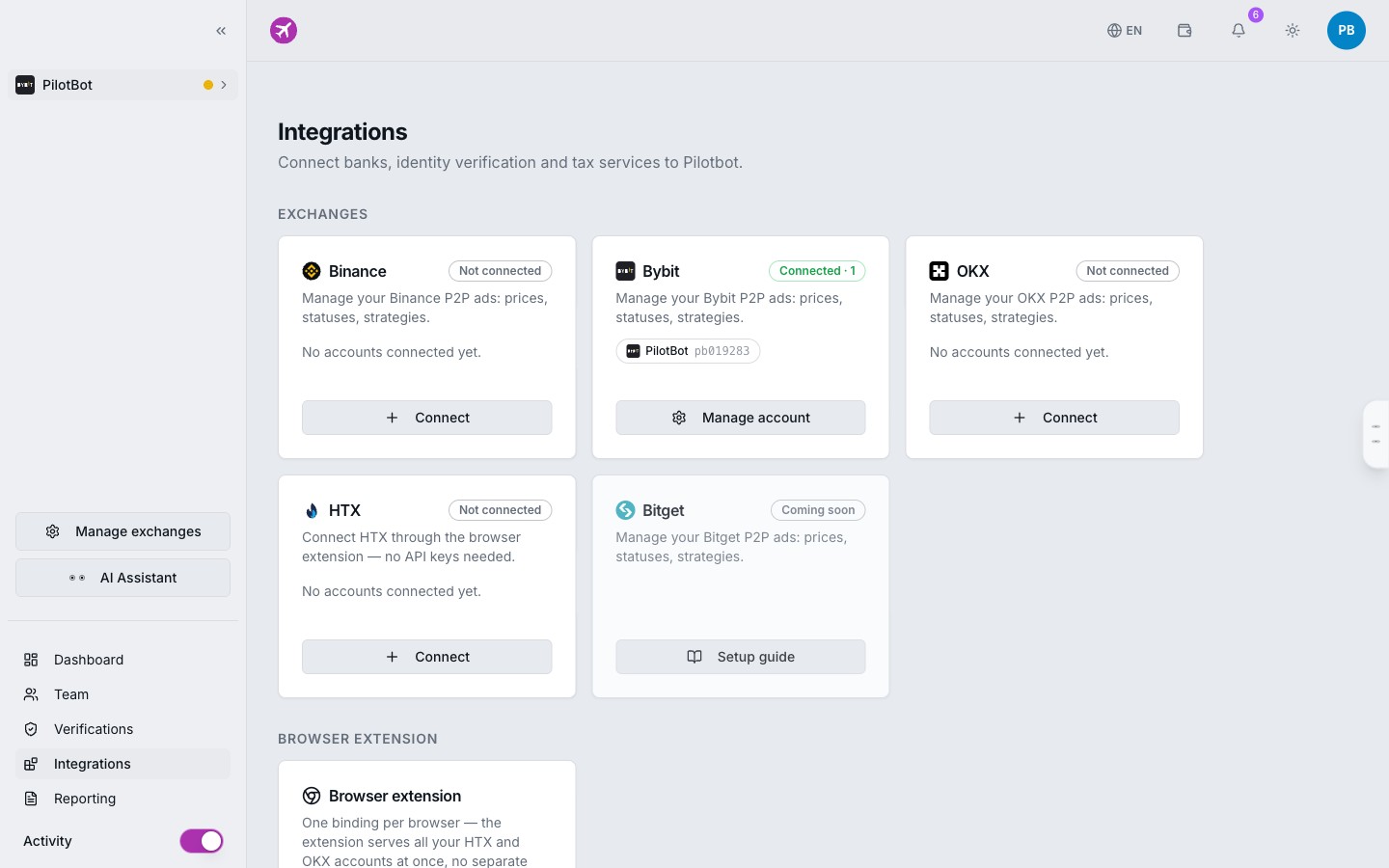
Here, you can at any time:
- Check the live status of connected exchange accounts.
- Instantly revoke access or pause any trading connector in one click.
- Configure hardware authentication factors for logging into the platform.
HTX Specifics: Keyless Automation via a Secure Extension
HTX (formerly Huobi) has an architectural quirk: it lacks a public REST API for its P2P section. To work with ads on HTX, Pilotbot utilizes a specialized secure browser extension.
Security principles remain unchanged:
- Zero hidden operations with wallets or fund transfers.
- The extension runs locally within the context of your authorized session only on P2P ad management tabs.
- The bot monitors competitors in the order book and adjusts order prices without access to balances or withdrawal capabilities.
Learn more about setup in HTX Integration.
Sign-In Defense: When Key Security Starts with Your Account
Protecting exchange keys is pointless if an attacker can access your Pilotbot dashboard through a weak password. Protect your profile using modern fintech standards:
- Two-Factor Authentication (2FA). Link a TOTP authenticator (Google Authenticator, Apple Passwords, 1Password) so every sign-in requires a dynamic 6-digit code from your phone.
- Passwordless Passkeys Login. Set up WebAuthn (Touch ID, Face ID, or hardware YubiKeys). This completely eliminates phishing and credential theft.
Checklist: 4 Rules of Safe Automation
- Verify Permission Checkboxes. Ensure the
Enable Withdrawalsbox remains unchecked when generating keys on the exchange. - Enable Trusted IP Binding. Use the official Pilotbot worker IP addresses to restrict access perimeters.
- Store Secret Keys Only in a Password Manager. Never save secret keys in unencrypted text files or messaging apps.
- Enable 2FA or Passkeys on Your Pilotbot Account. A second factor guarantees that no unauthorized party can access your dashboard.