Viewing Team Actions
How Pilotbot maintains an audit log of team activity so owners and managers know who did what and when.
Pilotbot Team
Author
On this page
- Audit Log Architecture: What Events Pilotbot Captures
- Access Hierarchy: Who Can Inspect the Audit Log
- Human Actions vs. System Safety: Distinguishing Events
- Post-Mortem in Practice: 3 Real Business Cases
- Case 1. Seamless Shift Handoffs
- Case 2. Investigating Sudden Volume Drops
- Case 3. Preventing Unauthorized Parameter Tweaks
- Related Guides

Operational Accountability: Complete Guide to the Team Audit Log in Pilotbot
Scaling a P2P business always comes down to a critical balancing act: empowering your team to operate swiftly while maintaining total risk control. When dozens of ads across Binance and Bybit are managed by multiple employees across alternating shifts, the cost of miscommunication can be catastrophic. Who toggled off an ad during peak evening volume? Who modified the target spread? Was a disruption caused by human error or an exchange safety circuit?
To address these challenges, Pilotbot provides an integrated, end-to-end Team Audit Log. This is the single source of truth for all operational events across your workspace: every significant change is recorded down to the exact second, detailing the operator, the affected account, and the full context.
Audit Log Architecture: What Events Pilotbot Captures
The audit log captures every event that can impact balances, ad availability, or account security. Unlike raw technical logs, Pilotbot audit records are structured around business entities:
- Ad Automation Operations — Launching the bot on a pair, manual stops, forced overrides of price corridors or limits.
- Strategy & Pricing Adjustments — Updates to price calculation formulas, changes in market-making offsets, and minimum profit thresholds.
- Exchange Account Operations — API key connections, permission changes, account sync events.
- Team & Access Management — Inviting new members, granting or revoking roles, reassigning permissions to specific sub-accounts.
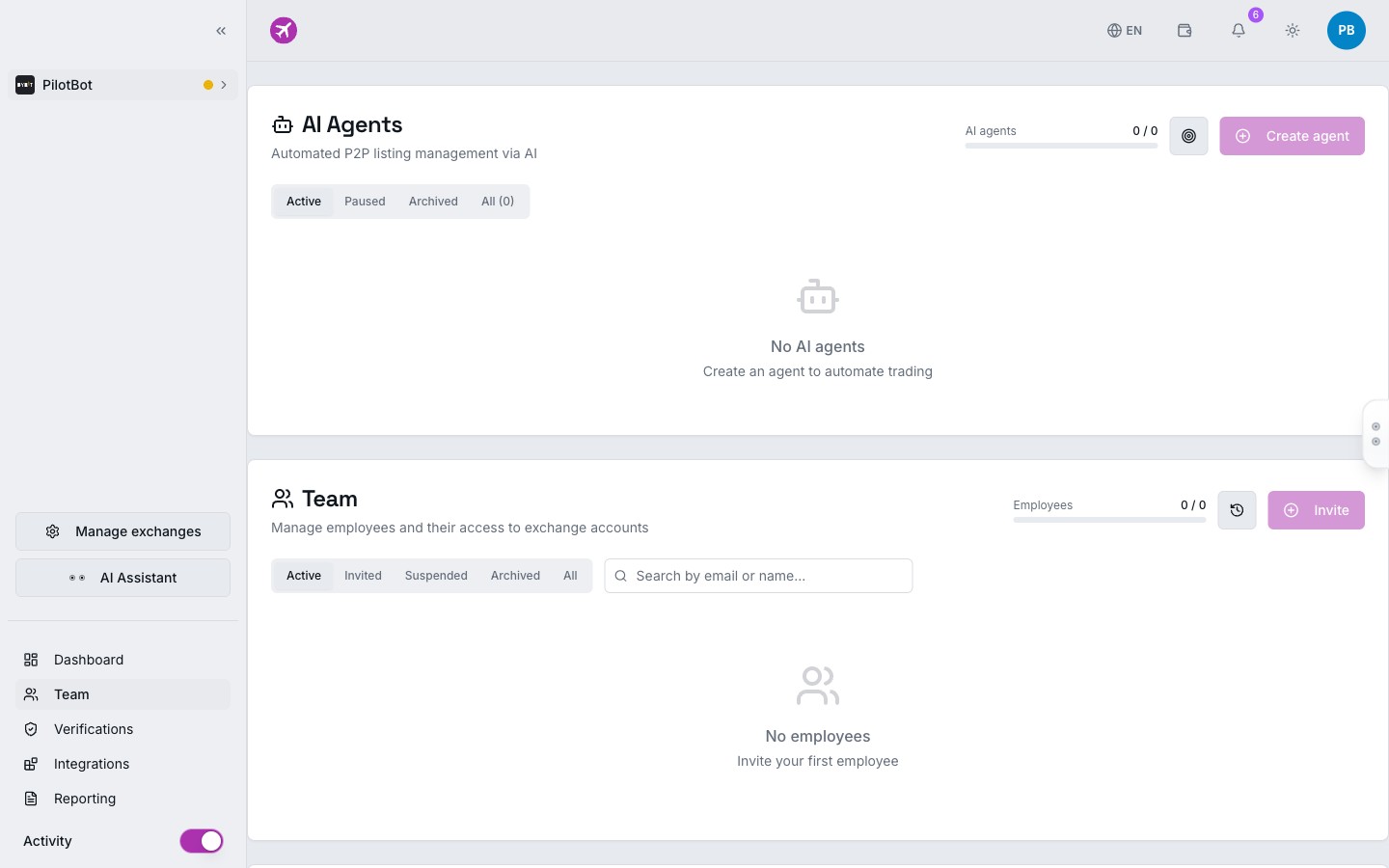
Each entry contains four immutable pieces of evidence:
- Timestamp (UTC / Local) — Exact second the operation occurred.
- Actor — Name and email of the team member who initiated the action.
- Target — Ad ID, exchange, currency pair, or strategy entity.
- Diff — Initial parameter state and its updated value.
Access Hierarchy: Who Can Inspect the Audit Log
Operational history across the entire team is a sensitive management resource. Pilotbot enforces the Principle of Least Privilege:
| System Role | Team Audit Log Access | Purpose & Context |
|---|---|---|
| Owner | Full unrestricted access | Strategic oversight, financial security, and executive audit |
| Manager | Full audit log view | Shift supervision, incident resolution, and operational oversight |
| Trader | Access locked | Focuses on order execution and ads without distraction from peer logs |
| Viewer | Access locked | Monitors only analytics and market status in read-only mode |
| Auditor | Access locked | Inspects accounts and reporting per assigned permissions |
This segregation ensures the audit log remains a dependable governance tool rather than a source of internal friction among frontline traders.
Human Actions vs. System Safety: Distinguishing Events
One of the greatest sources of anxiety for a P2P team owner is confusing an employee error with standard exchange security behavior. In Pilotbot, this boundary is clearly demarcated:
- Team Member Actions — Tagged with the operator's personal badge. Example:
Trader Alex switched Ad #48921 to OFFLINE. - Automated Circuit Breakers — Tagged as system security events (System / Circuit Breaker). For instance, if an exchange drops a WebSocket session or an ad triggers an exchange-side stop-limit, the system records the deactivation as an automated safety response.
This transparency provides instant clarity: if an ad turned off overnight, you immediately know whether it was an intentional shift decision or a protective circuit guarding against an unexpected market gap.
Post-Mortem in Practice: 3 Real Business Cases
Case 1. Seamless Shift Handoffs
In 24/7 P2P trading, the day shift hands off duties to the night shift. Using the audit log, an incoming manager needs only 30 seconds to review which ads were paused, where card limits were adjusted, and which accounts were switched to manual mode. No fragmented Telegram notes — the entire operational picture is on screen.
Case 2. Investigating Sudden Volume Drops
If trading volume drops by 40% during a shift, the desk lead opens the audit log and filters by automation deactivations. Discovering that an operator turned off dynamic repricing on two key pairs at 2:00 PM and forgot to re-enable them proves the root cause in seconds with objective facts, not guesswork.
Case 3. Preventing Unauthorized Parameter Tweaks
If a trader attempts to manually shift spreads below the break-even threshold to force volume against desk strategy, the audit log records the exact modification and time. This enforces team discipline and eliminates the excuse of blaming errors on "platform glitches."