Assigning Access to Specific Accounts
How to grant team members access to specific exchange accounts in Pilotbot, ensuring they only see and manage what you permit.
Pilotbot Team
Author
On this page
- Permission Architecture: How Role × Account Works
- Step-by-Step Guide: How to Assign Account Access
- Permission Matrix: Combinations of Roles and Assigned Accounts
- 4 Proven Operational Setups for P2P Desks
- Scenario 1. Shift-Based Operations (Day / Night)
- Scenario 2. Exchange Specialization (Bybit Desk vs. Binance Desk)
- Scenario 3. Safe Trainee Onboarding
- Scenario 4. External Financial Oversight
- Related Guides

Granular Scoping: How to Assign Account Access in Pilotbot
Scaling a P2P business inevitably requires delegating responsibilities. When your trading operations span dozens of currency pairs across Binance, Bybit, and HTX, giving employees blanket access to all accounts poses a critical operational risk. An honest mistake by a junior operator on the wrong account, accidentally toggling off a high-yield ad, or leaking sensitive turnover numbers — the cost of lacking isolated perimeters is far too steep.
Pilotbot implements an uncompromising permission-scoping model. Security is grounded in a fundamental formula: Role (which actions are permitted) multiplied by Assigned Accounts (which accounts those actions apply to). This empowers the workspace owner to distribute team responsibilities with surgical precision.
Permission Architecture: How Role × Account Works
Access management in Pilotbot is partitioned into two independent dimensions — depth and perimeter:
- Role (Depth of Authority) — Defines the accessible toolset: read-only mode, ad toggling permissions, market-making strategy editing, or team management.
- Assigned Accounts (Perimeter of Authority) — Sets the exact list of exchange accounts within which this role has effect.
An employee with Manager privileges on the Bybit-1 account can configure strategies and toggle automation on that specific account. However, if Bybit-2 is not assigned to them, they will not even know it exists in the workspace.
Step-by-Step Guide: How to Assign Account Access
Configuring account assignments takes just seconds in the team management panel:
- In Pilotbot's left navigation menu, open the Team section.
- In the member table, locate the desired team member and click their row or edit icon.
- In the settings card, find the Exchange Accounts section.
- Check the boxes next to the specific exchange accounts (Binance, Bybit, HTX) the specialist should manage.
- Click Save Changes.
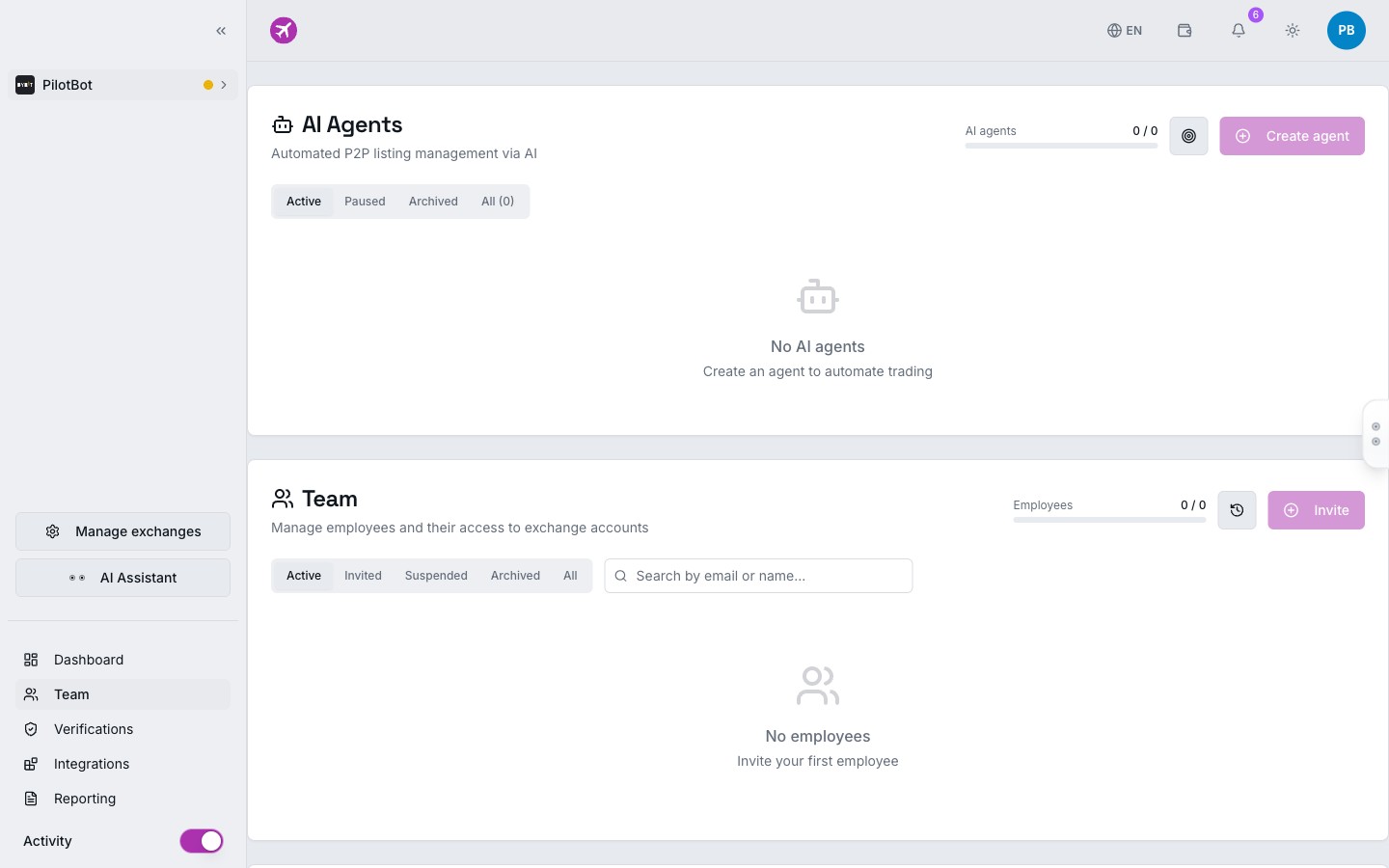
Once saved, the system instantly updates the permission matrix in the database. The user does not even need to re-login — their workspace dynamically adjusts to the updated perimeter in real time.
Permission Matrix: Combinations of Roles and Assigned Accounts
Combining the role model with granular account scoping produces a transparent matrix of responsibility:
| Team Role | Access on Assigned Account | Access on Unassigned Account | Key & Balance Management |
|---|---|---|---|
| Owner | Absolute control (all accounts) | Not applicable (sees everything) | Full access, add/remove API keys |
| Manager | Edit ads, launch and fine-tune strategies | Complete isolation (account hidden) | View API status; configuration locked |
| Trader | Toggle ads on/off, monitor spreads | Complete isolation (account hidden) | No access to keys or settings |
| Viewer | Monitor order book and ads in read-only mode | Complete isolation (account hidden) | No access |
| Auditor | View trade history and logs for accounting | Complete isolation (account hidden) | No access |
4 Proven Operational Setups for P2P Desks
Scenario 1. Shift-Based Operations (Day / Night)
24/7 P2P trading requires clear boundaries between shifts. You can assign one pool of sub-accounts to day operators and a completely different pool to the night shift. This prevents confusion over who set an incorrect limit or missed an incoming counterparty order.
Scenario 2. Exchange Specialization (Bybit Desk vs. Binance Desk)
If you have specialists focused exclusively on Bybit mechanics (fiat rail nuances, appeal timelines), assign them only Bybit accounts. They will not be distracted by concurrent Binance listings, keeping their interface clean and uncluttered.
Scenario 3. Safe Trainee Onboarding
When hiring a new team member, set up a dedicated training sub-account with a limited trading balance. Assign the trainee the Trader role solely on this account. Even if they make a mistake, they physically cannot impact the company's core accounts holding large working capital.
Scenario 4. External Financial Oversight
Invite an accountant or financial analyst with the Auditor role, granting them view access to all accounts. They can export analytics, audit trade history, and reconcile revenue without any possibility of accidentally interfering with algorithmic pricing engines.